
Private pet care, connected to your own vet
Their everyday care. Ready for the vet.
Log meals, walks and weight in a couple of taps. Keep vaccines, treatments and documents together. Share care with your family, and bring in your own vet clinic when you need it.
- No clinic connection needed to get started.
- After signup: review the Privacy Notice, then add your pet.
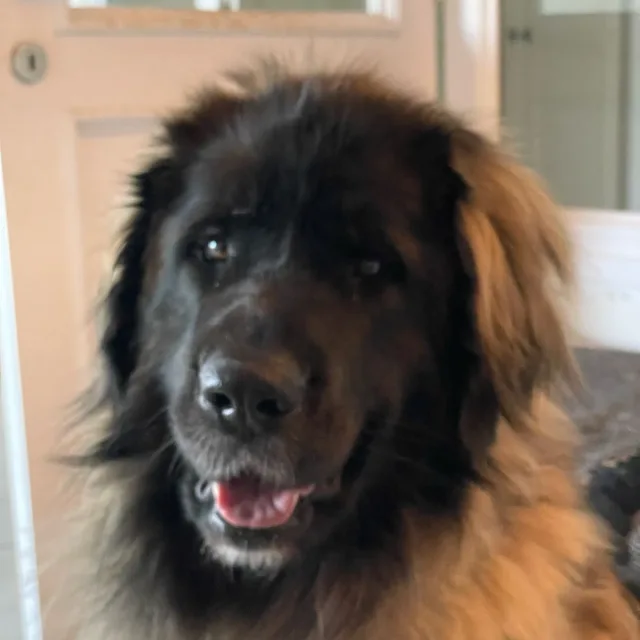
From an ordinary day to a better vet visit.
Most days you only need the first step. The other two are there when it matters.
Log the day
A meal, a walk, a weigh-in: a couple of taps each. A planned meal only counts once someone taps Fed, so the diary shows what really happened.
See the story
Weight, vaccines, treatments and documents, dated and in one place. A day with nothing logged stays blank; the app never fills in the gaps.
Talk to your own vet
If your clinic uses FluffyAICare, book a visit, send a message or ask a non-emergency photo question. A person on the veterinary team replies.
Shared with family. Never public.
Invite the people who look after your pet. Everyone works from the same diary, so nobody has to ask whether dinner happened.
Invites are tied to each person's email address. No public profiles, followers or feed.
Primary owner
Decides who's in, and can remove access at any time.
Co-owner
Logs meals and walks, books visits and asks the vet.
Friend
Read only: sees the diary and the record, can't change anything.
Straight answers
Do I need a vet clinic to use it?
No. The diary, records and family sharing work on their own. Connect a clinic that uses FluffyAICare whenever you like, or never.
Is this a social network?
No. There are no public profiles, followers or likes. Sharing means private access for the people you invite, and it can be taken back.
Who can see my pet's information?
Access depends on your relationship to a pet or clinic. You choose whom to invite to share your pet. Pet photos and documents are stored privately, with access-controlled links.
What does the AI do?
Daily care does not require AI. Where enabled, AI requests send typed questions or selected pet-record information to an external provider. Outputs are labelled and never written to records. AI is not a substitute for veterinary advice.
Is it for emergencies?
No. If your pet is hurt or very unwell, call a vet straight away. Messages and photo advice are for questions that can wait for your clinic to reply.
Is the Privacy Notice final?
The current Privacy Notice is a pilot template, pending legal review. Read it before creating an account. Read the Privacy Notice
Start with one pet and one ordinary day.
A name and a species are all it takes. The photo, the details and your vet can come later.
Start with my pet